
Connects to the tools you already run.
The assistant does more than talk. Connected to your systems, it can look things up and take action, with every step logged.
What connected means: read, search, act.
Every integration is described by what it does, not by the vendor. If you run it, we can probably connect it.

Your CRM
Look up an account, summarize its history, draft the follow-up, log the call.
- Read contact and deal records
- Search notes and activity
- Create tasks and log activity

Your project tool
Find what is blocking a project, summarize a sprint, create the ticket from a conversation.
- Read issues and status
- Search across projects
- Create and update issues
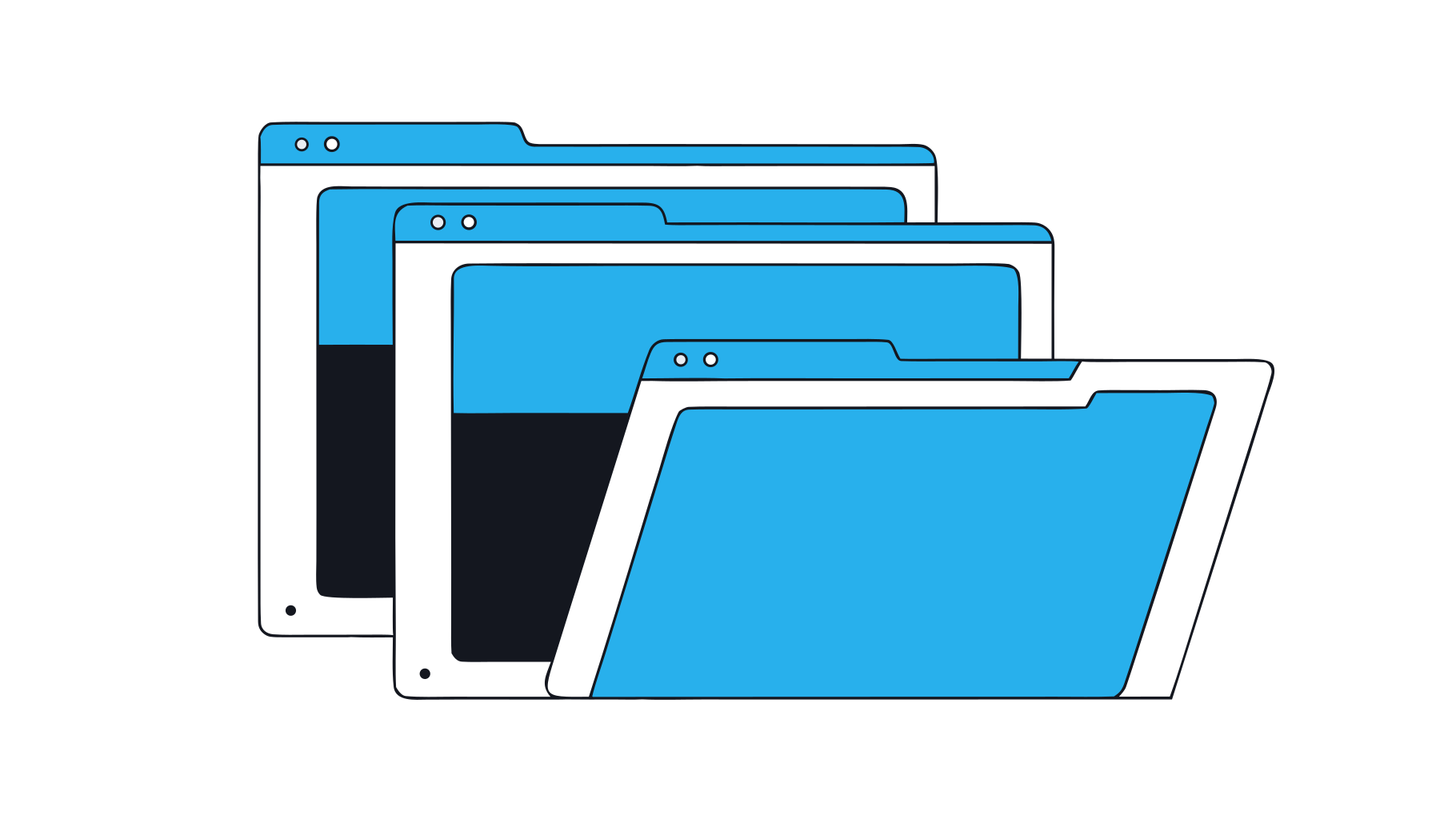
Your document storage
Bring files in from where they already live, keep them in sync, answer from the latest version.
- Read and index shared folders
- Stay in sync as files change
- Respect existing permissions
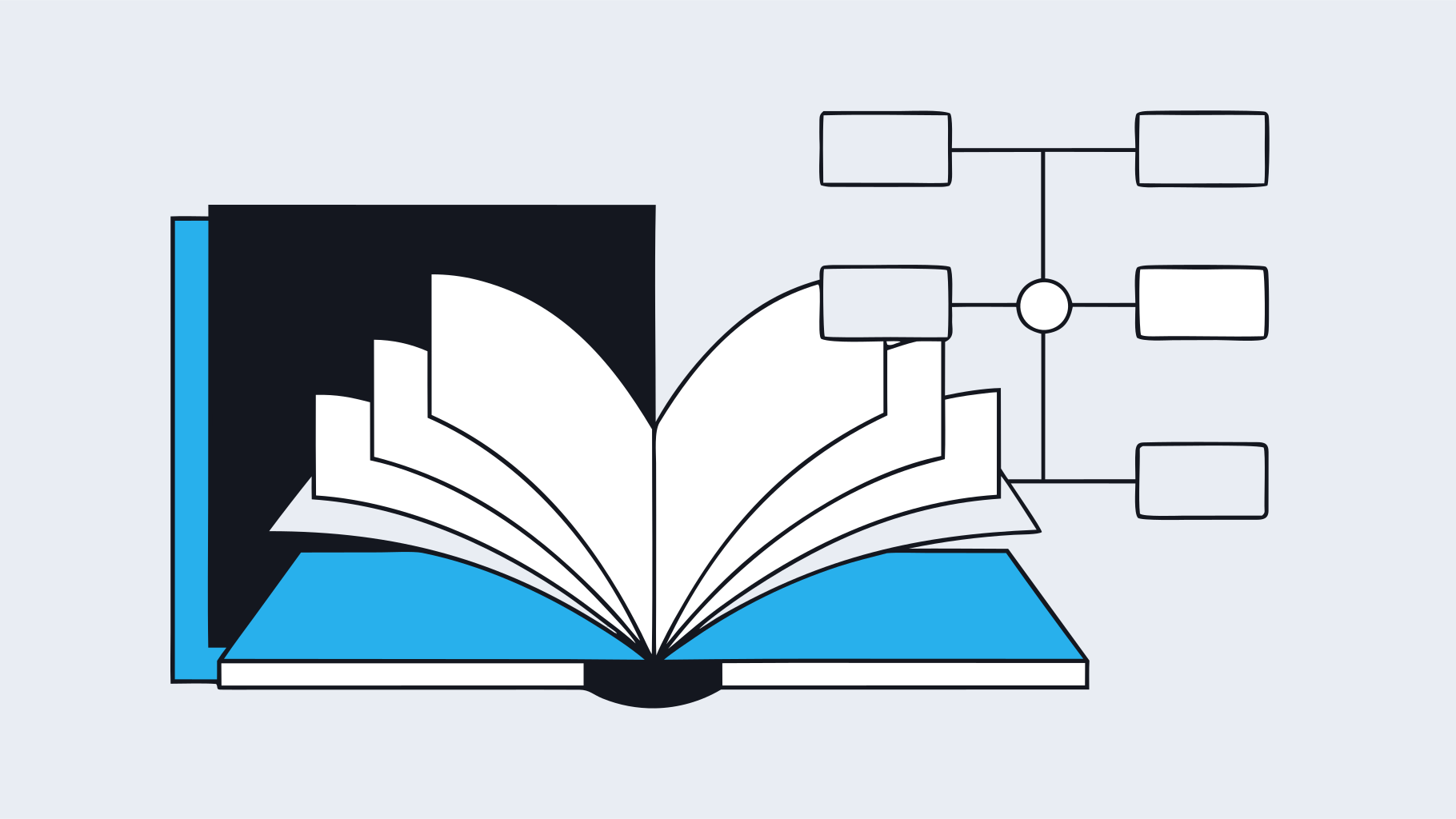
Your knowledge base
Turn wiki pages and internal docs into answers, and draft new pages from what the team learns.
- Read and index spaces
- Search by meaning
- Draft new pages for review
Three steps, all under your admin's control.
Authorize
Your admin connects the tool with its own login. The platform receives only the permissions you grant.
Index
Data the assistant may read is indexed privately, respecting the permissions each person already has.
Act
Actions are explicit and logged. The assistant proposes, a person confirms, the record shows who did what.
 OpenAI
 Anthropic
 Google Gemini
 Azure OpenAI
 Meta Llama
 Mistral
 Amazon Bedrock
 Cohere
 xAI Grok
 DeepSeek
 Moonshot Kimi
 Alibaba Qwen
 Z.ai GLM
 MiniMax
 Perplexity
 NVIDIA
 Hugging Face
 Ollama